QSolve POS + Al-Gori AI
F&B POS with AI for Customer Analysis and Campaign Planning
You have tried promotions, influencers and ads. Some worked. Others did not.
But do you know which customers returned, what they bought and which campaign to run next?
QSolve POS + Al-Gori AI helps you understand customer data. The QSolve team guides you in using it to make decisions.
Discuss POS NeedsFree initial discussion. No obligation.
Unverified example content. Use synthetic details only; this form is not open for real customer enquiries.
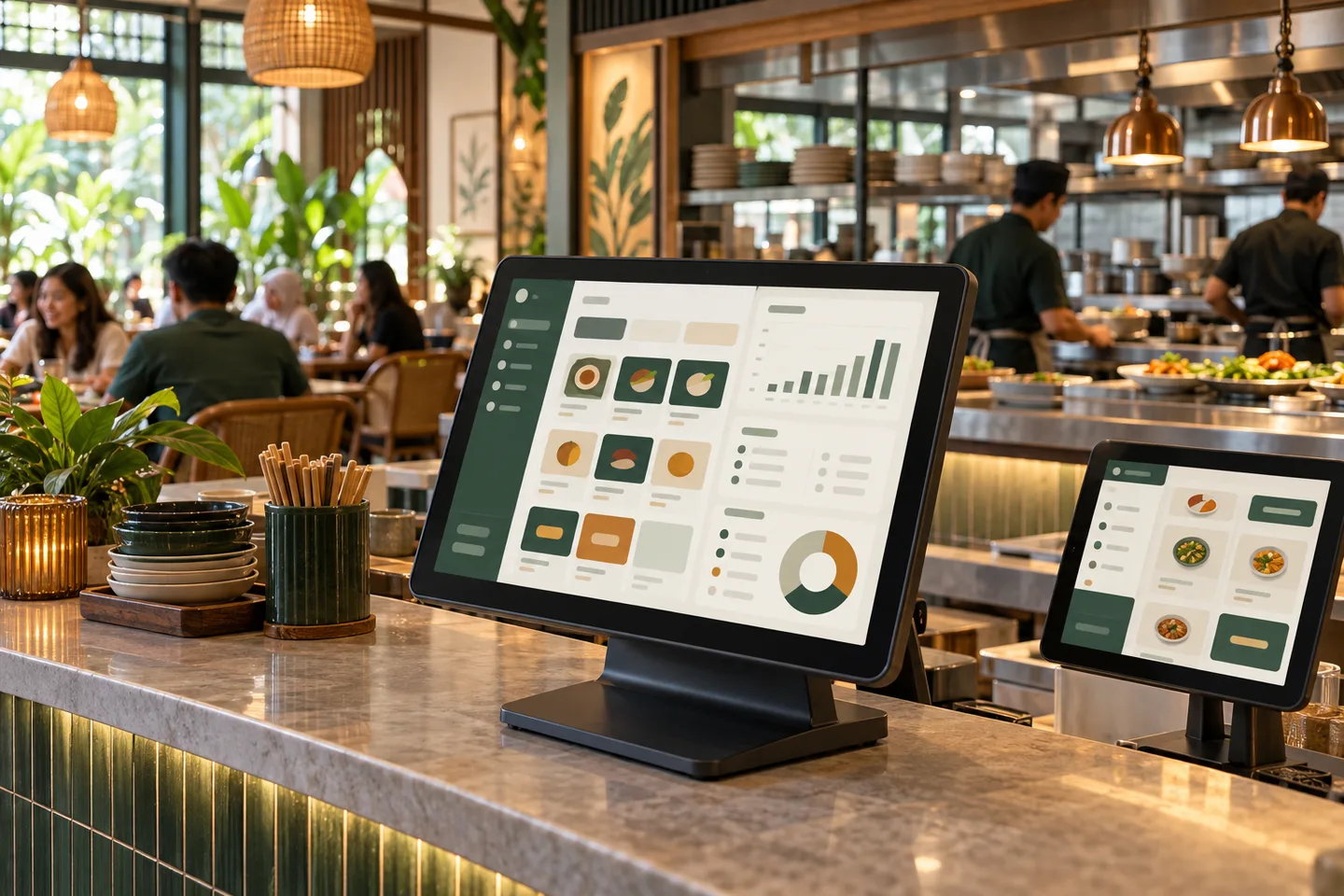
Reports Are Available. What Comes Next?
Sales totals show what sold. Customer records help you see who returned and who has not visited recently.
QSolve guidance helps you understand reports and use the information in your business.
Turn Sales Records Into Next Steps.
Purchases linked to a phone number or member account can support customer analysis. Unlinked transactions still record sales, but do not identify a customer.
Recorded data supports the analysis. You decide the action.
- POS transactions
Orders, customers and outlets
- Al-Gori AI
Analyse business information
- Your decision
Choose what to do next
Al-Gori AI
Stop Searching Through Reports. Just Ask.
Ask about customer and outlet data recorded in the POS. Al-Gori supports analysis and recommendations. Review the figures before deciding.
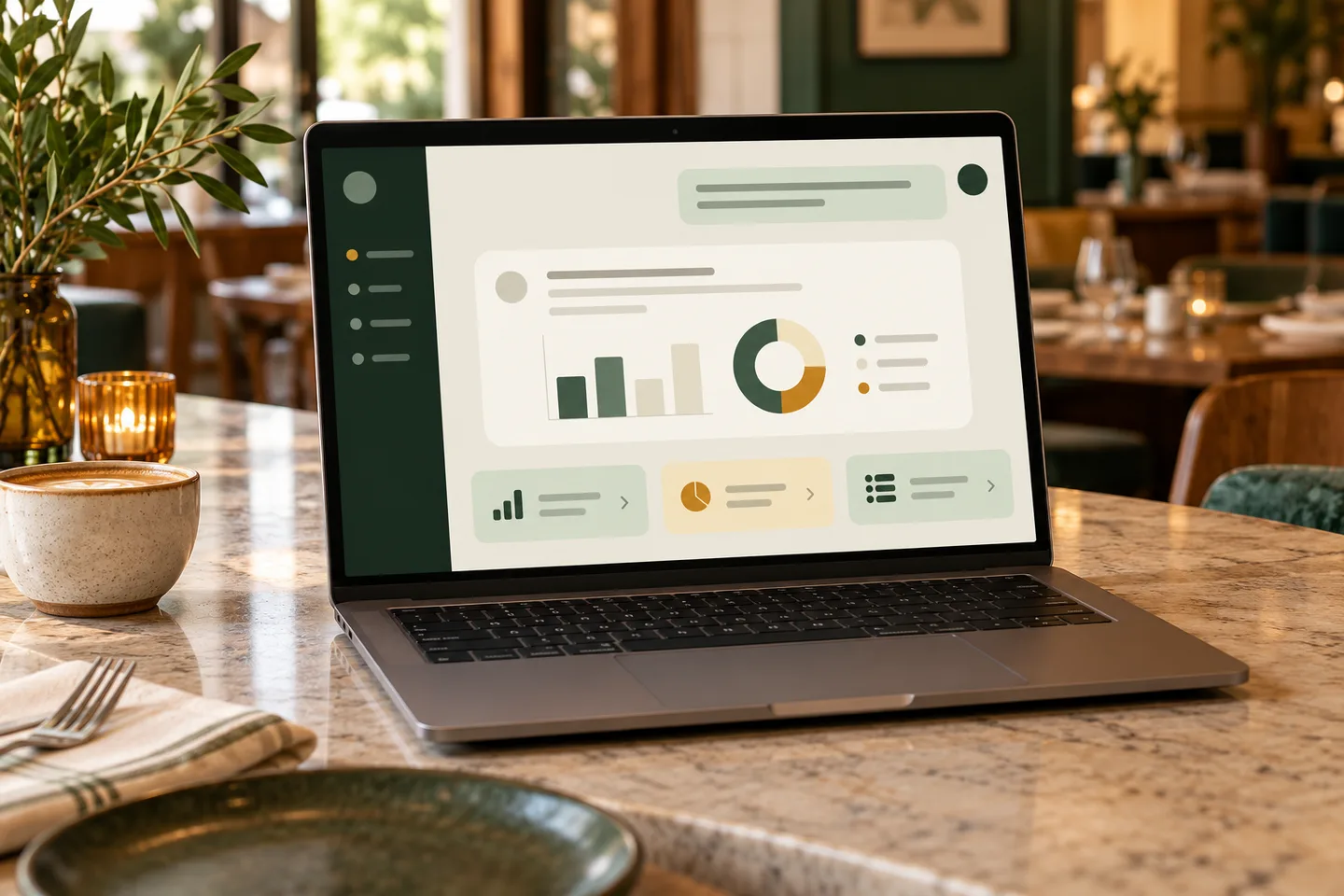
“Which outlet has the biggest drop in returning customers?”
- Your question
- POS information
- Analysis and recommendations
- Your decision
You ask. Al-Gori analyses. You decide.
RFM segments refresh weekly. Analysis depends on the POS records available.
Not Every Customer Should Get the Same Offer.
RFM looks at the last visit, purchase frequency and spending. Customer segments refresh weekly.
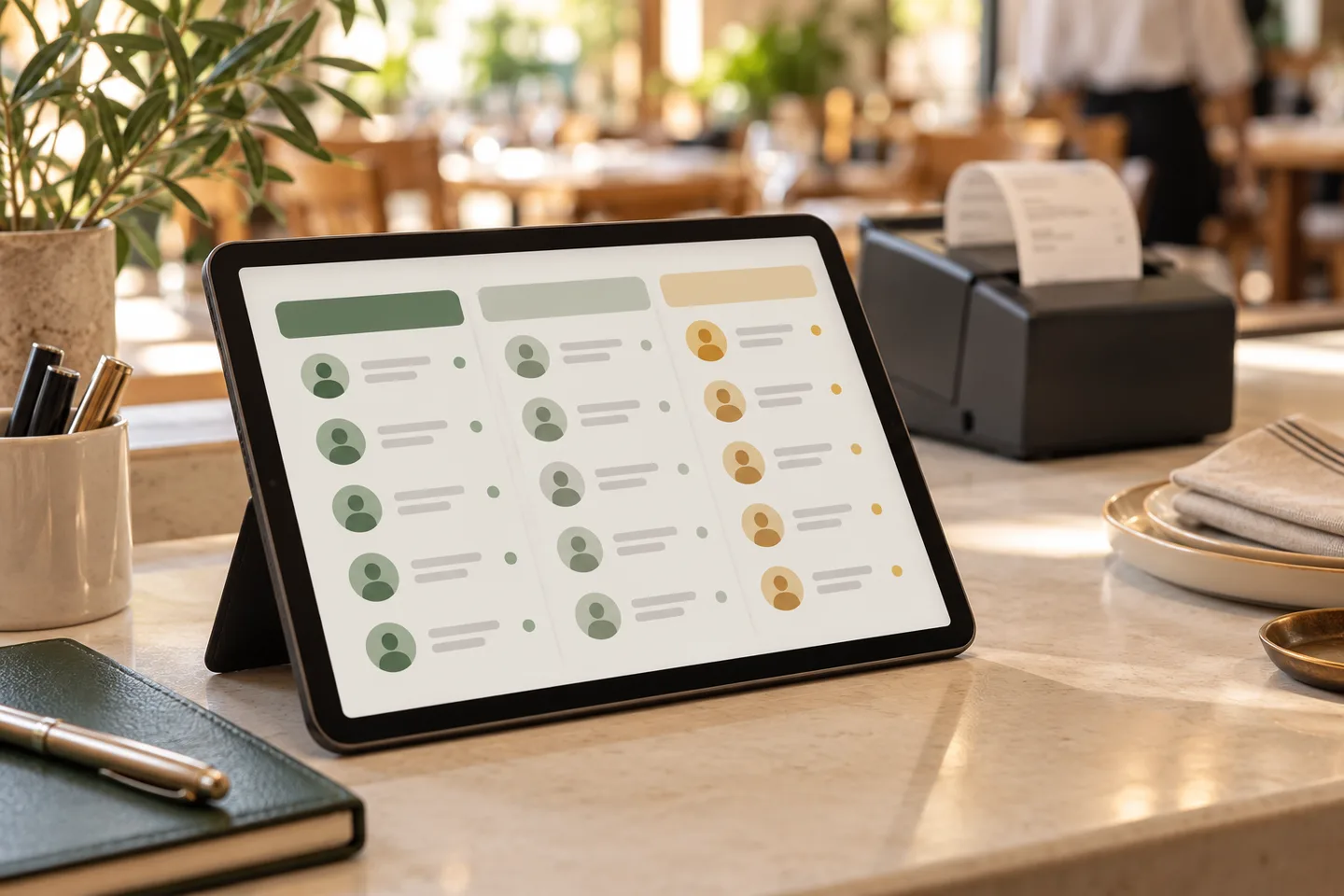
- Recency
When did they last visit?
- Frequency
How often do they buy?
- Monetary value
How much do they spend?
- Regular and high-value customers
- Customers who haven't returned
- Products they usually purchase and average spending
- Purchasing patterns across outlets
QSolve provides membership functions and teaches staff how to register customers and link transactions.
Find the Right Customers. Plan a Better Campaign. Measure the Results.
Identify the opportunity
Find inactive customers, frequent visitors, high-value segments or changing spending patterns.
Choose a suitable campaign
Review recommendations informed by customer data and predefined campaign strategies.
Run the campaign
Your outlet team chooses the offer and runs the campaign. Al-Gori recommends; management decides.
Measure what happened
Use campaign-linked lists, unique vouchers and redemption tracking to see who responded and purchased.
AI tokens and WhatsApp/SMS sending are charged separately. Redemption records show campaign responses, not the performance of every marketing channel.
Discuss POS NeedsGet Guidance on Using Your Data.
Onboarding covers system use, RFM segments and turning recommendations into campaigns.
All new POS packages include Al-Gori and periodic guidance. Sessions follow customer questions; schedules are agreed in the package.
POS guidance supports system and data use. Reviewing cost problems and implementing business changes are discussed through separate Consulting.
Connect Everyday F&B Work.
Discuss the functions and integrations your setup needs.
- POS & kitchen
Orders and food preparation
- Stock & warehouse
Inventory and stock transfers
- Management
Reporting across outlets
- Sales and kitchen: POS, orders, menus and SKUs
- Stock and purchasing: warehouse, inventory and outlet transfers
- People and reporting: staff access, attendance and outlet reports
- Customers: membership, loyalty points and top-up balances
E-Group Solution Ecosystem Experience Since 2016.
1,800F&B outlets
30brands
2016since
The record of 1,800 outlets and 30 brands refers to the wider E-Group Solution ecosystem, not POS or Al-Gori AI users.
Ecosystem customers include Nippon Sushi and Shabuyaki by Nippon Sushi.
Switching POS? Review Your Setup First.
- Review
Existing system and data
- Migrate
Compatible business data
- Set up
Devices and outlet settings
- Train
Help staff use the system
The team reviews the current system, data formats and devices before planning a transfer. Data scope and timing are agreed first.
Preparation, data migration, installation and staff training are separate steps. Check compatible devices before deciding.
Frequently Asked Questions
What is included in the POS package?
All new POS packages include Al-Gori and periodic guidance. Configuration follows your needs. AI tokens and WhatsApp/SMS sending are charged separately.
How are purchases linked to customers?
A phone number or member account is recorded during the transaction. QSolve provides the functions and teaches staff registration and purchase linking.
What if I do not have customer data yet?
Start with member registration and linked transactions. Customer analysis depends on data already recorded.
Does Al-Gori run campaigns for me?
No. Al-Gori supports analysis and recommends campaigns. Your outlet team chooses the offer and runs the campaign.
What does periodic guidance cover?
Sessions support system and data use based on customer questions. Frequency follows the package schedule.
Why switch if my current POS works?
If reports are available but you do not know what to do next, discuss that need. QSolve combines Al-Gori analysis with guidance on data use. Switching must fit your business needs.
Will I get a demo immediately after submitting?
No. The team contacts you within one working day to discuss your needs first. A demo is arranged later. Use sample details only.
Can data be transferred from an old POS?
The team reviews your system, data formats and compatibility first. Transfer scope and timing must be agreed before switching.
Ready to Use Data for Your Next Campaign?
Start with a free discussion about your needs. A demo is arranged later. Pricing follows the required configuration. AI tokens and WhatsApp/SMS sending are charged separately.
Discuss POS NeedsFree initial discussion. No obligation.
START A CONVERSATION
Discuss Your Business Needs
Free initial discussion. The team contacts you within one working day. No obligation.
Use synthetic details. This form is not open for real customers. Consent wording is provisional.